
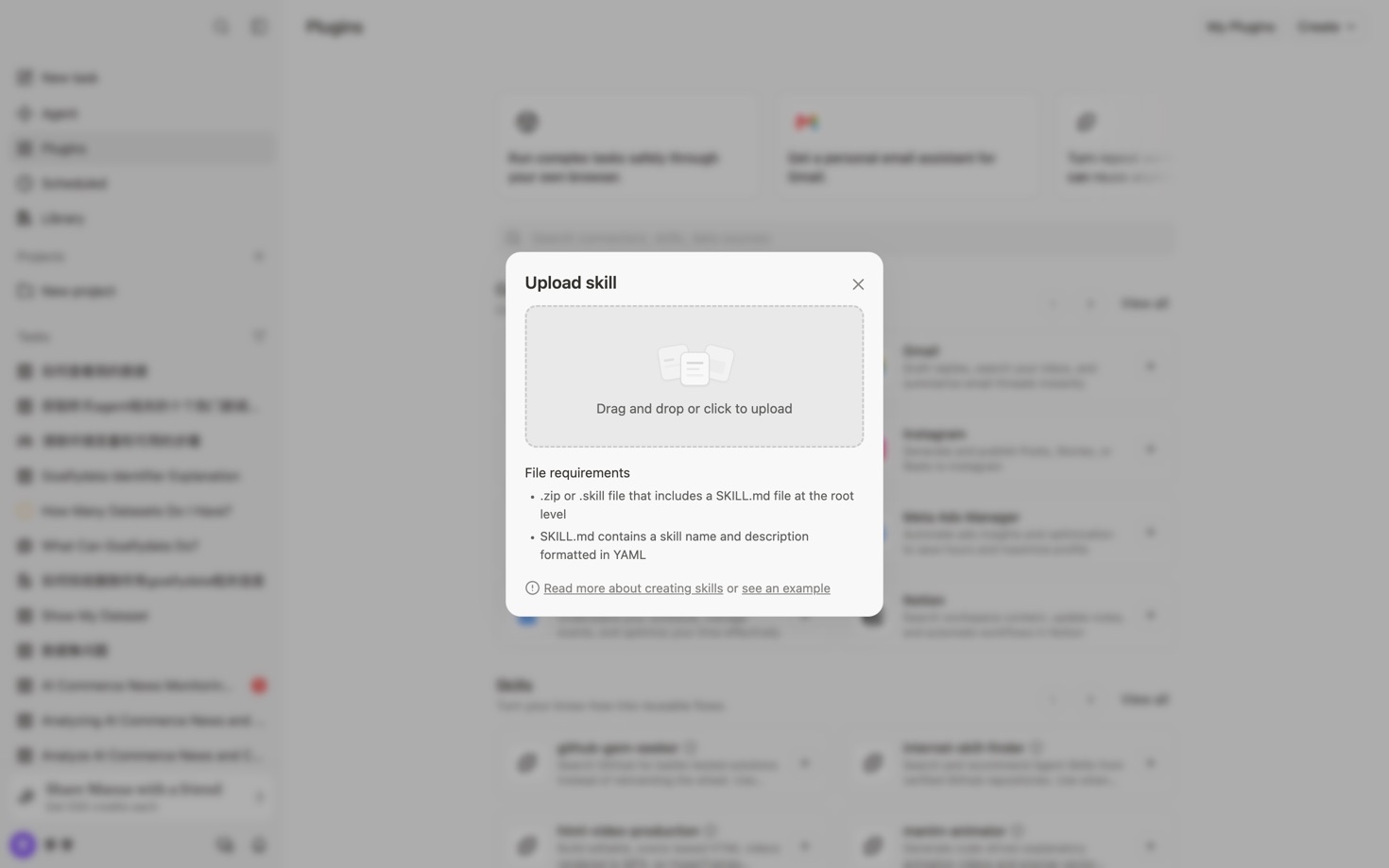

A reliable custom skill should be easy to install, understand, and reuse. Before you share one with your team, take a few minutes to validate its package, instructions, and behavior in GoalfyData. This simple review prevents broken uploads and gives every teammate the same starting point.
Prepare the skill package
Create a clean folder that contains the skill instructions, required scripts, and only the assets the skill actually needs. Keep file names predictable, remove temporary files, and confirm that the main instruction file explains the skill's purpose, inputs, outputs, and limits. Compress the folder as a ZIP archive only after the structure is final.
Upload the skill from the console
Open the Skill area in GoalfyData and choose the upload action. Select the ZIP archive from your computer, review the displayed file name, and start the upload. Wait for the system to finish processing before leaving the page. If the upload fails, first check the archive format, file size, and whether the required instruction file is located at the expected level.
Validate before sharing
Open the uploaded skill and run a realistic test with sample data that does not contain sensitive information. Confirm that the instructions are clear, the expected files are produced, and error messages tell the user how to recover. Repeat the test with one incomplete input so you can verify that the skill fails safely instead of producing misleading output.
Use this final checklist
The ZIP archive opens without errors.
The skill name and description match what the skill actually does.
Required files are present and temporary files are removed.
A normal example completes successfully.
An invalid example produces a useful error message.
The output can be understood by someone who did not create the skill.
Once these checks pass, the skill is ready to share. A short validation step protects the team from avoidable setup problems and makes the skill easier to maintain as the workflow evolves.